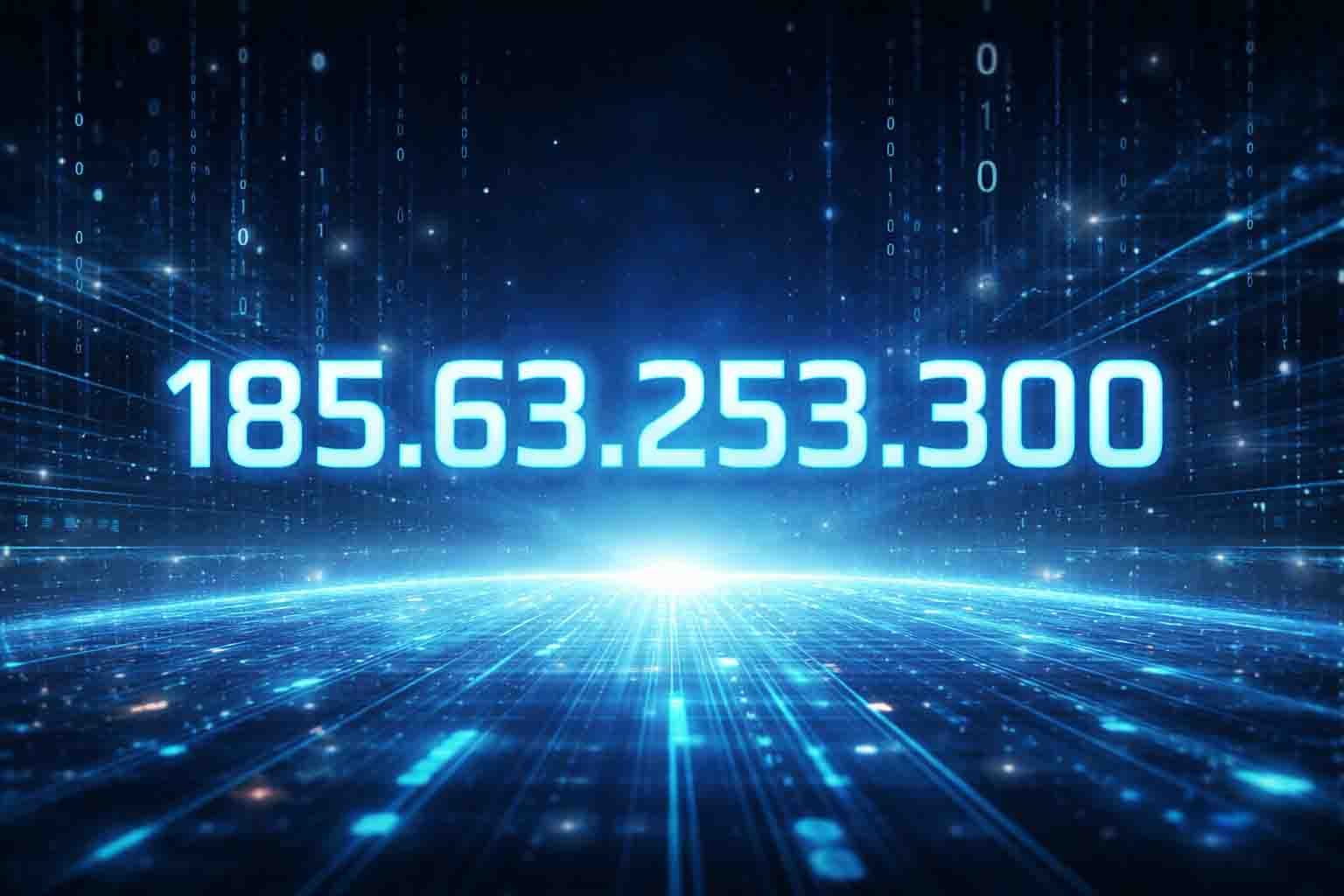
Have you ever seen a number like 185.63.253.300 online and wondered what it means? At first, it looks like a normal IP address. You might even think it can tell people where you live. But the truth is very different.
In this article, we will explain everything about 185.63.253.300. We will show why it is not real, how IP addresses work, and why seeing this number can sometimes scare people. We will also talk about online safety and how to protect yourself.
By the end, you will understand IP addresses in a very simple way. You will know what is real, what is fake, and how to stay safe online. This guide will make everything easy to understand, even if you are not a tech expert.
What Is an IP Address
An IP address is like a home address for your computer or phone. It tells the internet where to send information, like web pages or videos. Without an IP address, your device cannot talk to websites or apps.
Every device on the internet has one. This includes your phone, laptop, tablet, or smart TV. IP addresses help devices find each other and share information safely.
There are two main types of IP addresses. One is IPv4, which is very common. The other is IPv6, which is newer and can give many more addresses. Both types help devices connect to the internet, but IPv4 is still used by most people today.
IP addresses are very important for your online experience. They make sure your messages, videos, and websites reach the right place. Without them, the internet would not work.
How an IPv4 Address Really Works
An IPv4 address has four numbers separated by dots. Each number is called an octet. For example, 192.168.1.1 is a normal IPv4 address.
Each octet can only be a number between 0 and 255. This is because computers store each octet in 8 bits. Eight bits can only make numbers up to 255.
The first octet usually shows the network, and the other numbers show the specific device on that network. It is like an apartment number inside a big building. Every device needs a unique address to get information.
If any number goes above 255, the IP address becomes invalid. It will not work on any network, and routers will reject it. This rule is very important to understand why 185.63.253.300 is not real.
Why 185.63.253.300 Is Not a Real IP Address
The number 185.63.253.300 looks like a normal IP, but the last number is 300. This breaks the IPv4 rule because no number can go above 255.
Because of this, this IP cannot exist. It cannot be assigned to a computer, phone, or server. Routers will not accept it, and it cannot connect to the internet.
Even though it looks technical, it is completely fake. It is not dangerous by itself. The real problem comes from websites or pop-ups that show it to trick people.
Understanding this makes it clear that 185.63.253.300 is only a number used in warnings, scams, or errors. It does not represent a real device or connection anywhere.
Why People See 185.63.253.300 Online
Many people see 185.63.253.300 in pop-ups or fake virus alerts. These alerts try to scare users by showing numbers that look technical.
Scam websites also use this IP to make messages look real. They want people to click links, download software, or even pay for fake services.
Sometimes software glitches or logs can show this number by mistake. It might appear as a placeholder or error in system messages.
Even though the number is fake, it can cause real worry. People think they are being tracked or hacked. Knowing the IP is invalid helps stay calm and safe.
How Scammers Use Fake IP Addresses
Scammers use fake IP addresses like 185.63.253.300 to trick people. They make warnings look serious so people panic. The goal is to get users to click on links or download fake apps. Sometimes they ask for money or personal information. The fake IP itself does not harm your computer. The danger comes from the website or pop-up using it.
Scammers use these numbers because they look real and technical. Many people do not know IP rules, so they believe the warning is true.
What an IP Address Can Actually Reveal
IP addresses can show some information about your connection, but not everything. They can tell websites and services roughly where you are. For example, they can guess the city or region based on the number your ISP gives you.
Your IP also shows the Internet Service Provider you are using. This can help websites deliver content or ads based on your area. It can also help companies check how many users connect from different regions.
Even though IPs give some location hints, they do not show your exact home address. They cannot reveal your street, house, or personal identity. Only approximate areas are visible, so IPs are helpful but not perfect for tracking people.
IP addresses also show basic network info. They can tell if you are on a home network, office network, or public Wi-Fi. This helps websites manage traffic and keep connections working smoothly.
Public IP vs Private IP Explained
Your devices can have a public or private IP address. A public IP is visible on the internet. Websites see it when you visit them. It is assigned by your Internet Service Provider.
Private IPs are used inside your home or office network. They help your devices talk to each other safely. Many devices can share private IP ranges. This saves space because IPv4 addresses are limited.
Public IPs connect your devices to the internet. Private IPs only work inside your local network. Routers translate private IPs to public IPs so your devices can access the internet.
Using private IPs is safer because it keeps devices hidden from the internet. Only your router’s public IP is visible, while private IPs stay inside your network.
Static IP vs Dynamic IP Made Easy
Some devices use a static IP. A static IP does not change. Servers and important devices often use static IPs. This makes it easier to find and manage them online.
Most home users have dynamic IPs. These IPs change over time. Your ISP assigns them automatically using DHCP. This means your device may get a different IP each day or week.
Dynamic IPs help keep your connection safer. They make tracking someone over time harder. They also help ISPs use their limited IP numbers efficiently.
Static IPs are useful for specific needs like hosting a website. Dynamic IPs are better for general users. Both types are important for understanding online safety.
IP Addresses and Online Safety
IP addresses are important for internet safety. Security systems use IPs to detect suspicious activity. They can block hackers or stop unusual connections.
There are risks if someone spoofs an IP. IP spoofing is when an attacker pretends to be another IP. They may try to bypass security filters or attack websites.
Distributed Denial of Service (DDoS) attacks are another risk. Attackers flood a real IP with traffic. This can make websites crash or go offline temporarily.
IP addresses also help detect the approximate location of devices. This can prevent fraud, phishing, and other online scams. However, they are not perfect, and multiple people can share the same IP.
How to Check If an IP Address Is Real or Fake
It is easy to check if an IP is real. First, look at the format. A real IPv4 address has four numbers separated by dots, like 192.168.1.1.
Next, check each number. They must be between 0 and 255. Any number outside this range makes the IP invalid. For example, 185.63.253.300 is invalid because 300 is too high.
You can also use online IP lookup tools. These tools show if the IP exists, its approximate location, and its ISP. Fake IPs will not show any valid information.
Finally, you can try a ping test. Real IPs respond to ping requests. Fake or invalid IPs will not respond. This is another way to confirm an IP’s validity.
How to Protect Your IP and Stay Safe Online
You can hide your real IP by using a VPN. A VPN gives your device a new IP from a different location. This helps protect your privacy and location.
Always avoid clicking on suspicious pop-ups or links. Many fake warnings show numbers like 185.63.253.300 to scare people. Do not follow instructions from unknown sources.
Keep your antivirus software updated. Firewalls also help by blocking unknown connections. These tools work together to keep your devices safe from hackers.
Stay calm if you see a fake IP online. Knowing that numbers like 185.63.253.300 cannot exist will help you avoid panic and mistakes. Being careful and informed is the best protection.
IPv4 vs IPv6 and the Future of the Internet
IPv4 has a limited number of addresses — about 4.3 billion. This was enough in the early days of the internet. But now, billions of devices need IPs, so IPv4 is running out.
IPv6 solves this problem. It uses 128-bit numbers and can give about 340 undecillion addresses. This is more than enough for every device in the world.
IPv6 also improves security and efficiency. It includes built-in IPsec support, which helps encrypt internet traffic. It makes routing simpler and speeds up networks.
Many systems still use both IPv4 and IPv6. This is called dual-stack. It ensures devices and websites can work while networks gradually move to IPv6.
Pros and Cons of 185.63.253.300
Pros
-
Helps spot scams and fake warnings.
-
Makes online safety easier to understand.
-
Protects devices using VPNs and antivirus.
-
Reduces panic when seeing fake IPs.
-
Improves digital knowledge and confidence.
Cons
-
Fake IPs can cause worry or panic.
-
Pop-ups may trick people into downloading malware.
-
Users may waste time investigating impossible IPs.
-
Confusion about real vs fake IPs.
-
Clicking unsafe links can cause harm.
Final Thoughts
The number 185.63.253.300 is not real. It is a fake IP used by websites or pop-ups to scare users. Fake IPs themselves are harmless. The real danger comes from scammers who use them to trick people.
Understanding IP addresses helps you stay safe. Learn the rules: four numbers, each 0–255, and proper formatting. Always use VPNs, antivirus, and firewalls to protect your connection. Stay calm, check IPs carefully, and do not panic. When you see fake numbers online. Being informed about IPs and online safety keeps you protected and confident while browsing the internet in 2026.
FAQs
Why do people see 185.63.253.300 online?
People usually see it in fake virus alerts, scam websites, or pop-ups. It is used to scare users and make messages look technical. Sometimes software errors or placeholders can also show it.
Can an IP address like this harm my computer?
No. The number itself cannot harm your device. The real danger comes from the website or pop-up that shows it, which may try to trick you into clicking links or downloading unsafe files.
What does an IP address actually reveal?
An IP address can show your approximate location (city or region), your Internet Service Provider (ISP), and basic network info. It does not reveal your exact home address, street, or personal identity.
How does IP address relate to online safety?
IP addresses help detect suspicious activity and protect networks. They can be used in firewalls or security systems to block hackers. Using VPNs and antivirus also helps hide your real IP for privacy.
Why do scammers use fake IPs like 185.63.253.300?
Scammers use fake IPs to make warnings look real and technical. They try to scare users into clicking links, downloading fake software, or paying for fake virus removal services.
Discover more:
Affordable Digital Marketing with Garage2Global: Grow Your Business the Smart Way
Newtopy Revolution: A New Way to Create, Learn, and Innovate
Can IP2 Network Really Protect Your Privacy? Here’s the Truth