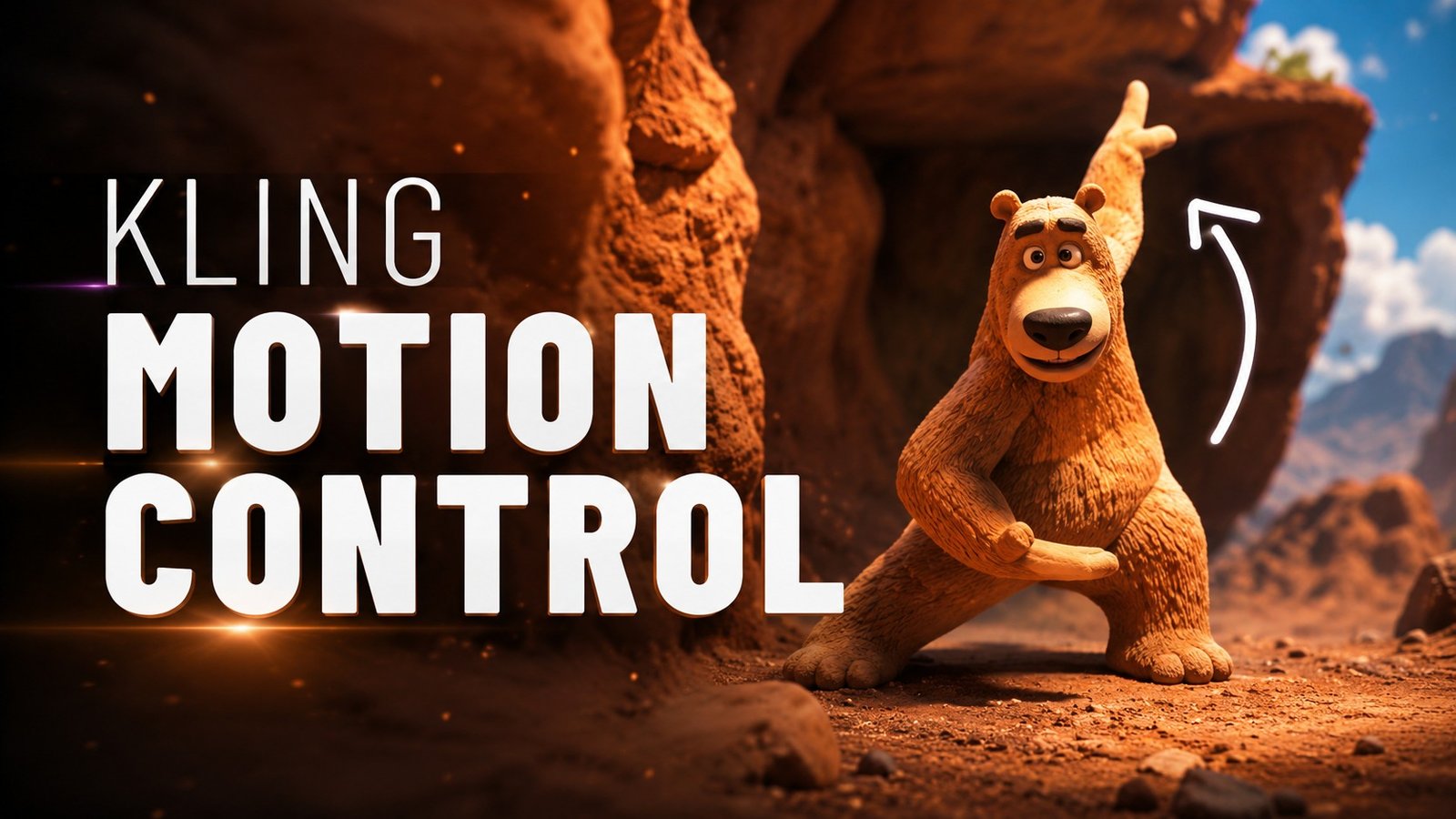
Ever spent hours trying to animate a character, only to end up with stiff, unnatural movement that ruins the entire scene? You’re not alone. For years, motion control meant expensive mocap suits, studio rentals, and weeks of post-production — the kind of resources only big-budget studios could afford.
That’s changed. AI-powered motion control tools have completely rewritten the rules of video animation, and one platform in particular has emerged as the standout: Kling AI Motion Control. With this browser-based tool, you can transfer realistic motion from any reference video to a static character image in minutes — no mocap equipment, no studio, no steep learning curve.
This guide will walk you through exactly what Kling AI Motion Control can do, how to use it step by step, and the real-world scenarios where it makes an immediate difference. Whether you’re a content creator, game developer, marketer, or just curious about what AI animation can achieve, you’ll find everything you need to get started.
Why AI Motion Control Is Changing Video Creation
Traditional character animation has always been bottlenecked by the same problem: making movement look natural is incredibly hard. Even professional animators spend days tweaking keyframes for a few seconds of footage. For everyone else — indie creators, small marketing teams, hobbyists — realistic character animation was simply out of reach.
AI motion control flips this entire equation. Instead of manually creating movement frame by frame, you provide a reference video showing the motion you want, and the AI maps that movement onto your character. The result is fluid, lifelike animation that preserves the exact timing, gestures, and dynamics of the original performance.
The technology analyzes both the source video’s motion vectors and the target character’s structure — understanding where joints are, how fabric should move, and how facial expressions translate — then reconstructs the scene so the character moves exactly like the reference. It’s not just copying pixels; it’s understanding movement.
This matters because it shifts animation from a technical skill to a creative one. You no longer need to know how to rig a 3D model or animate a walk cycle. You just need a clear vision of the motion you want and a character to bring to life. The AI handles the rest, and Kling AI Motion Control has pushed this capability further than most tools on the market.
What Makes Kling AI Motion Control Different
Not all AI motion tools are built the same. What sets Kling AI Motion Control apart is the breadth of its motion capture — it’s not limited to simple head turns or basic limb movement. The platform handles full-body animation, precise hand gestures, and detailed facial expressions in a single pass.
Its reference motion transfer technology preserves the nuance of the original performance. If your reference video shows someone walking with a slight limp, gesturing emphatically while talking, or dancing with specific rhythm — those subtleties carry through to the animated character. Generic tools smooth out the details; Kling AI preserves them.
The platform also supports lip-sync audio preservation, which means you can drive a character’s mouth movements from an audio track while simultaneously applying body motion from a video reference. For anyone creating talking-head content, virtual presenters, or character dialogue scenes, this is transformative — you get synchronized speech and natural body language in one workflow, without switching between tools.
And unlike professional mocap pipelines that require body suits, calibrated cameras, and dedicated studio space, Kling AI Motion Control runs entirely in your browser. Upload a reference video, upload your character image, and get the animated result — no hardware, no setup, no calibration.
How to Use Kling AI Motion Control: A Step-by-Step Guide
Creating your first AI-powered character animation is surprisingly straightforward. Here’s how the process works from start to finish.
Step 1: Choose Your Character Image
Start with a clear, well-composed image of the character you want to animate. The better your source image, the better the result. Full-body shots work best for full-body motion transfer — the AI needs to see the character’s full structure to map movement accurately. For facial animation or lip-sync, a clear portrait or upper-body shot is ideal.
Avoid images where the character’s limbs are obscured, heavily cropped, or blending into the background. Clean edges and visible joint positions give the AI the information it needs to produce convincing animation.
Step 2: Select Your Reference Motion Video
The reference video is what drives the entire animation. Choose a clip where the motion you want is clearly visible and the camera stays relatively stable. A video of someone walking across frame, dancing, gesturing while speaking, or performing a specific action all work well.
The key is clarity: the AI tracks the motion pattern in your reference, not the background or camera movement. A steady shot with one clear subject in motion will always produce better results than a shaky, busy scene with multiple moving elements.
Step 3: Write Your Scene Prompt
This is where Kling AI Motion Control’s prompt-guided scene styling comes in. Beyond just transferring motion, you can describe the environment, lighting, and visual style you want for the final output. A prompt like “a vintage film set with warm golden-hour lighting and subtle film grain” transforms a plain motion transfer into a styled, cinematic scene.
The prompt doesn’t need to be long or complex. One to two sentences describing the mood, setting, and visual quality you want is usually enough. Think of it as giving the AI art direction — you’re setting the tone, not micromanaging every pixel.
Step 4: Generate and Review
Once you’ve uploaded your character image, selected your reference video, and written your prompt, the AI goes to work. Processing typically takes a few minutes depending on video length and resolution. The result is a fully animated video where your character moves with the timing and dynamics of the reference — in the scene style you described.
The first result may not be perfect, and that’s normal. Pay attention to how the motion translates: are the hands tracking correctly? Do facial expressions feel natural? Is the timing right? These observations guide your next iteration.
Step 5: Refine and Export
If something looks off, adjust and regenerate. Try a reference video with cleaner motion, a character image with better visibility, or a more specific prompt. Small tweaks often produce dramatically better results. Once you’re happy with the output, download the video and it’s ready to use — for social media, marketing content, game cinematics, or anywhere else you need animated characters.
Real-World Scenarios for AI Motion Control
Social Media Content Creation
Imagine you’re a content creator who wants to post animated character shorts but doesn’t have the budget for a 3D animator. With Kling AI Motion Control, you can take a static illustration of your mascot or persona and bring it to life — dancing, reacting, or delivering a message — all from reference clips you film on your phone. Upload a selfie video of yourself performing the gestures and expressions you want, and your character mirrors it exactly. The entire pipeline fits into a lunch break, not a production cycle.
Game Development and Cinematics
Indie game developers often have great character art but no way to animate it for cutscenes or promotional trailers. AI motion control bridges that gap. Animate a character for a dialogue scene by pairing your character art with a reference video and an audio track for lip-sync — the platform handles both the body movement and the speech synchronization in one pass. What used to require a dedicated animator and a week of work now takes an afternoon.
Marketing and Advertising
For marketing teams, animated characters can dramatically increase engagement — but traditional animation is slow and expensive. Using Kling AI Motion Control, a team can produce character-driven video ads in a fraction of the time. Shoot reference footage with a team member acting out the commercial, then map that performance onto a brand character or illustrated spokesperson. The result is high-quality animated advertising without the animation studio price tag, and the turnaround is fast enough to keep up with campaign schedules.
Virtual Presenters and Training Videos
Corporate training and educational content benefit enormously from animated presenters — they’re more engaging than slide decks and far easier to localize than live-action video. Record a presenter reading the script, apply that motion and lip-sync to an illustrated character, and you have a professional training video that can be updated, re-voiced, or translated without reshooting anything. For global teams, this alone transforms the cost structure of producing multilingual training content.
Independent Filmmaking and Creative Projects
For indie filmmakers and creative experimenters, AI motion control opens doors that were previously welded shut by budget constraints. You can pre-visualize complex character sequences before committing to expensive shoots, animate fantasy creatures using human performance reference, or create entire character-driven short films with a laptop and a creative vision. The technology removes the capital barrier between having an idea and seeing it move on screen.
Tips for Getting the Best Results
Use high-contrast character images. The AI tracks body structure better when the character clearly separates from the background. Solid backgrounds or clear silhouettes produce the most accurate motion transfer.
Keep reference videos short and focused. A five-to-ten-second clip with one clear motion pattern works better than a minute-long video with mixed actions. You can always chain multiple generations together for longer sequences.
Match the body proportions. The closer your character image’s body proportions match the person in your reference video, the more natural the motion transfer will look. Extreme mismatches — a very tall character mapped to a short person’s movements — can produce awkward results.
Be specific in your scene prompt. Instead of “nice background,” try “a sunlit living room with plants, soft natural light, warm tones, cinematic depth of field.” The more visual detail you give the AI, the better it can match the scene to your vision.
Iterate on what works. If your first generation gets the body motion right but the facial expressions feel off, focus your adjustments on the face — try a reference with more expressive facial movement or a character image with a clearer face. Each generation teaches you something about how the tool interprets your inputs.
Experiment with different reference sources. Don’t limit yourself to footage of people. Reference videos of animals, mechanical objects, or even abstract motion like flowing water can produce unexpected and creative results when mapped onto characters. Some of the most striking outputs come from unconventional pairings.
Your Animated Characters Are Just a Few Clicks Away
AI motion control represents one of the most significant leaps in accessible video creation. What once required a studio, a mocap suit, and years of animation experience is now available to anyone with a browser and a creative idea. The barriers that kept character animation exclusive to professionals have fallen away.
Whether you’re building a social media presence, developing an indie game, creating marketing content, or just experimenting with what’s possible, the tools are ready and waiting. Kling AI Motion Control handles the technical complexity — you bring the creative vision. Start with a character image, a reference video, and a scene idea. The rest happens in minutes.