Have you ever looked at your Xfinity bill and noticed a $25 charge for something called xFi Complete? Many people see it and think, “Do I really need this?” In 2026, internet bills can feel confusing. There are add-ons, upgrades, and hidden charges. That is why this guide is here to make everything clear and simple for you.
Today, most homes use the internet all day. Families stream 4K movies, kids play online games, and smart cameras run all the time. Because of this, data use is much higher than it was a few years ago. That is where xFi Complete comes in. It promises unlimited data and better WiFi tools.
In this xFi Complete Review 2026, We will talk about what xFi Complete is, what it includes, how much it costs, and who really needs it. By the end, you will clearly know if it is smart or just extra money wasted.
What Is xFi Complete?
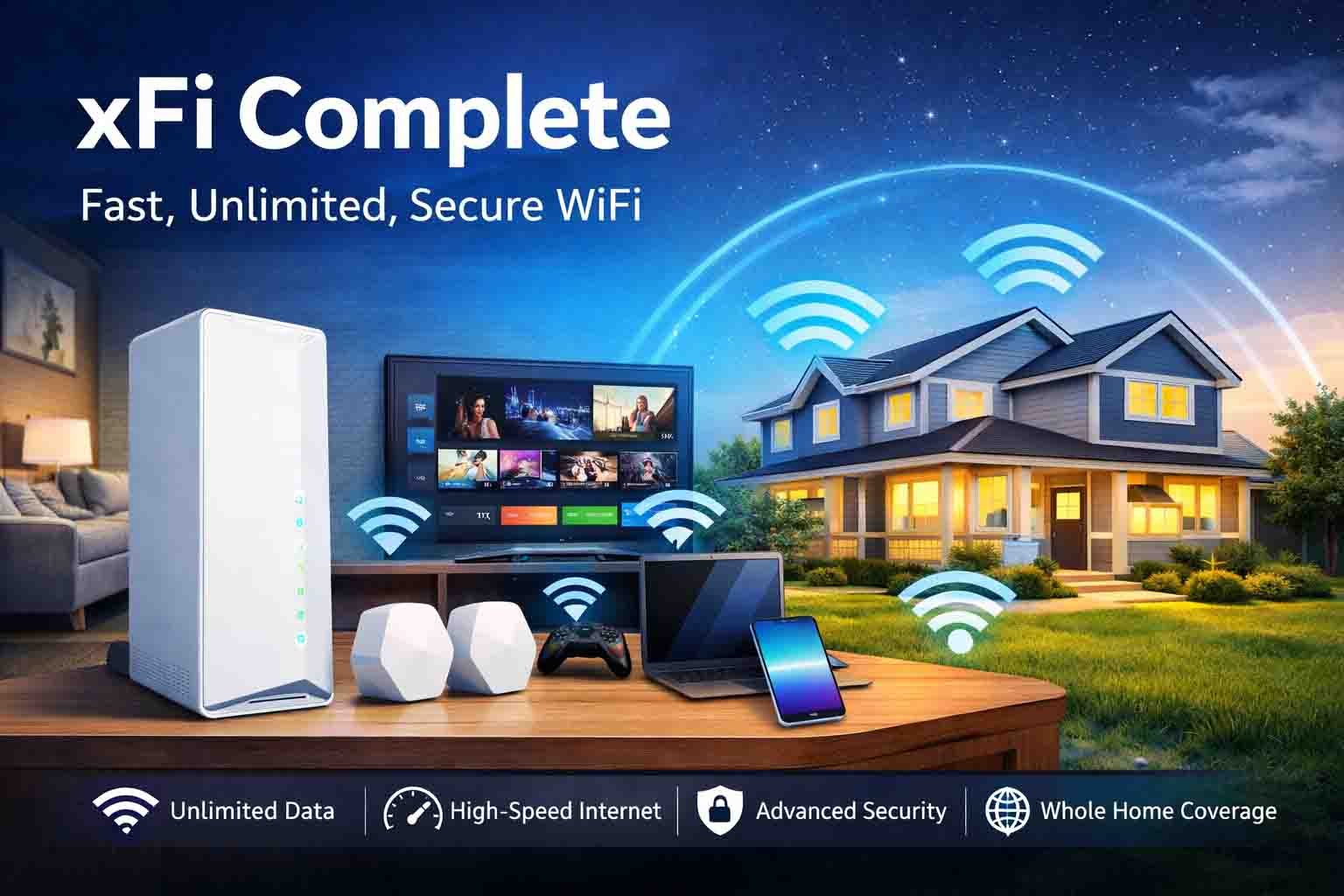
xFi Complete is a paid add-on for Xfinity Internet. It costs about $25 per month. It gives you unlimited data, a rented modem-router called the xFi Gateway, and extra WiFi tools and security features.
xFi Complete is offered by Comcast in the United States. It is not required. It is optional. Some people think it is the same as unlimited data. But it is more than that. It bundles several services together into one package.
Many users search online and ask, “What is xFi Complete on my bill?” The reason is simple. Sometimes it gets added during plan upgrades or after a promo ends. That is why understanding xFi Complete is very important before paying every month.
What Does xFi Complete Include?
xFi Complete includes several things in one bundle. The biggest benefit is unlimited data. Older Xfinity plans have a 1.2 TB monthly limit. With xFi Complete, that limit is removed. This means no surprise overage charges.
It also includes rental of the xFi Gateway. This is the white modem-router device in your home. In 2026, most users get models like XB8 or XB10. These support newer WiFi technology like WiFi 6 or WiFi 7, which handle many devices at once.
Another big part of xFi Complete is Advanced Security. It helps monitor your home network. It can detect strange activity and alert you. You also get parental controls and access to the Xfinity app. The app lets you see devices, pause WiFi, and manage your network easily.
xFi Complete may also support xFi Pods. These are small plug-in devices that help extend WiFi in larger homes. If you have dead zones in bedrooms or basements, these pods help improve coverage.
How Does xFi Complete Work?
xFi Complete works through the xFi Gateway and the Xfinity app. Once activated, your gateway connects to Comcast’s system. From there, you can manage everything through your phone using the Xfinity app.
The app shows you all connected devices. You can see phones, laptops, TVs, and even gaming consoles. If needed, you can pause the internet on certain devices. Parents often use this feature during bedtime or homework time.
The system also checks your WiFi strength during the first 30 days. If weak areas are found in your home, Xfinity may suggest using xFi Pods. Everything is designed to work automatically in the background, so you do not need technical skills.
Another helpful feature is automatic security updates. The system updates itself to block threats. If something strange happens, you get a real-time alert. This gives peace of mind, especially for families with many connected devices.
How Much Does xFi Complete Cost in 2026?
In 2026, xFi Complete costs about $25 per month. This charge usually appears as a separate line on your Xfinity bill. Some users do not notice it at first, especially after a plan change.
The price includes gateway rental and unlimited data. Normally, gateway rental alone costs about $14 or $15 per month. The unlimited data portion adds about $10 or $11 more. When combined, it becomes the $25 bundle.
If you only want unlimited data without xFi Complete, that can cost around $30 per month. So in some cases, xFi Complete may actually be cheaper. However, many newer Xfinity plans now include unlimited data and equipment in the base price. That is why checking your plan is very important.
Why the 1.2 TB Data Cap Matters
Older Xfinity plans have a 1.2 TB monthly data cap. That may sound like a lot, but in 2026, it is easier to reach than you think. One hour of 4K streaming can use around 7 GB of data. If a family streams daily, the total adds up quickly.
Modern video games can be 200 GB or more. Large updates also use a lot of data. Smart home cameras upload videos all day. Remote workers upload files and attend video meetings. All these things increase monthly usage.
If you go over 1.2 TB, Xfinity charges $10 for every extra 50 GB. That can raise your bill fast. This is why many heavy users choose xFi Complete. Unlimited data removes this worry completely.
xFi Complete vs Unlimited Data Add-On
Some people think xFi Complete is the same as the unlimited data add-on. But they are different. The unlimited data add-on only removes the data cap. It does not include the gateway rental or extra tools.
The standalone unlimited data add-on usually costs around $30 per month. You still have to rent the gateway separately or use your own modem. It does not include Advanced Security or full app features.
xFi Complete bundles everything together. It includes unlimited data, gateway rental, security tools, and app controls for $25. For users who already rent equipment, it can make more sense financially.
xFi Gateway vs xFi Complete vs Xfinity Pro
Many people feel confused when they see names like xFi Gateway, xFi Complete, and Xfinity Pro. They sound similar, but they are not the same. Each one does something different. Understanding this difference helps you avoid paying for something you do not need.
The xFi Gateway is just the modem-router device. It connects your home to the internet and gives you WiFi. If you rent only the gateway, you still have the 1.2 TB data cap unless you buy unlimited separately. It is basic equipment with simple WiFi features.
xFi Complete is a bundle. It includes the gateway, unlimited data, and extra tools like Advanced Security and parental controls. It is made for families and heavy internet users. It is not just hardware. It is a full package.
Xfinity Pro is different again. It focuses on better WiFi coverage and stronger signals inside your home. It does not automatically give unlimited data. So when comparing, remember this simple idea:
Gateway = device.
xFi Complete = unlimited data bundle.
Xfinity Pro = better in-home WiFi coverage.
What Are xFi Pods and Do You Need Them?
xFi Pods are small plug-in devices. They help spread WiFi signal around your home. Think of them like helpers for your main router. If your bedroom or basement has weak WiFi, a pod can make it stronger.
Instead of repeating the signal like old extenders, xFi Pods create a mesh network. This means your phone or laptop connects to the strongest signal automatically. You do not need to switch networks while walking around the house.
Not everyone needs xFi Pods. If you live in a small apartment, your main gateway may already cover everything. But if you live in a large house or have thick walls, pods can help a lot. xFi Complete may suggest pods after checking your WiFi strength in the first month.
Can You Use Your Own Modem Instead?
Yes, you can use your own modem and router with Xfinity. Many tech-savvy users prefer this. It can save the $14 or $15 rental fee each month. If you already own a strong router, this may feel like a good option.
However, if you use your own modem, you still have the 1.2 TB data cap unless you buy unlimited data separately. The standalone unlimited add-on costs around $30 per month. So sometimes using your own modem is not cheaper.
You also lose some xFi Complete tools when you do not use the Xfinity gateway. Features like full app control, parental tools, and automatic upgrades work best with Xfinity equipment. So the decision depends on whether you prefer control or convenience.
Who Should Keep xFi Complete?
If your home uses a lot of internet, xFi Complete can be very helpful. For example, imagine a family of five. Parents work from home. Kids stream shows in 4K. Someone is always gaming. In this case, unlimited data makes sense.
Large homes with many smart devices also benefit from xFi Complete. Security cameras, smart speakers, and smart TVs all use data. Without unlimited data, overage charges can add up quickly.
If you are already renting the gateway and paying for unlimited data separately, combining everything into xFi Complete may save money. It also keeps billing simple with one bundled charge.
Who Should Cancel xFi Complete?
If your new Xfinity plan already includes unlimited data and equipment, paying extra for xFi Complete may not make sense. In 2026, many Everyday Pricing plans include these features automatically.
If you are a light internet user, you may never reach 1 TB per month. In that case, the 1.2 TB cap may not affect you. Paying $25 monthly might feel unnecessary.
Also, if you own a high-end router and enjoy managing advanced settings, you may prefer your own equipment. In this situation, xFi Complete may feel limiting.
Features of xFi Complete
1. Unlimited Data
xFi Complete removes the 1.2 TB monthly cap. This means you can stream, game, and download without counting gigabytes. There are no $10 overage charges for extra data. This is the biggest reason people choose xFi Complete.
2. Advanced Security
The system checks your network for strange activity. If something looks unsafe, you get a notification. It updates automatically to block new threats. This helps protect your home devices from online risks.
3. Parental Controls
Parents can pause internet access for certain devices. You can set bedtime schedules. You can block websites. This gives families better control over internet use at home.
4. xFi Gateway Rental
The modem-router is included in the bundle. In 2026, newer models support WiFi 6 or WiFi 7. These handle many devices at once without slowing down.
5. Whole-Home WiFi Evaluation
During the first 30 days, the system checks your WiFi coverage. If weak spots are found, xFi Pods may be recommended. This helps improve signal in hard-to-reach rooms.
6. Device Control and Prioritization
You can see all connected devices in the app. You can pause WiFi anytime. You can also give priority to certain devices, like a gaming console during play time.
7. 24/7 Support
If something stops working, customer support is available anytime. This gives peace of mind for families who rely on internet daily.
Pros and Cons of xFi Complete
Pros
- Unlimited data with no cap
- Gateway rental included
- Built-in security protection
- Easy control through Xfinity app
- Optional mesh support with xFi Pods
- Automatic hardware upgrades
- No surprise overage fees
- Simple bundle billing
Cons
- Must use Xfinity gateway
- Fewer advanced settings for tech users
- Monthly cost feels high for light users
- Not needed if unlimited is already included
- Some users report small upload speed issues
Is xFi Complete Worth It in 2026?
In 2026, the value of xFi Complete depends on your internet habits. If you use a lot of data, stream in 4K, download large games, and have smart devices running all day, it can be a smart choice.
If your plan already includes unlimited data and equipment, paying extra for xFi Complete may not give much extra benefit. Always check your current plan details before deciding.
For heavy users, xFi Complete removes stress about data limits. For light users, it may feel like an extra charge that is not needed. The smartest choice depends on your home and your usage.
Final Thoughts
xFi Complete is not good or bad for everyone. It is useful for some people and unnecessary for others. The biggest benefit is unlimited data combined with equipment and security tools.
Before keeping or canceling xFi Complete, look at your monthly data use. Check if your current Xfinity plan already includes unlimited data. That one step can save you money.
In simple words, xFi Complete is smart for heavy internet homes. It may be a waste of money for light users. The final choice depends on how you use your internet in 2026.
FAQs
Does xFi Complete remove the 1.2 TB data cap?
Yes. xFi Complete removes the 1.2 TB monthly data limit on older Xfinity plans. This means you will not pay $10 per 50GB if you go over the limit. You get unlimited internet usage.
Is xFi Complete required with Xfinity?
No. xFi Complete is optional. Some newer Xfinity plans already include unlimited data and equipment. Always check your plan before paying for the add-on.
How much does xFi Complete cost in 2026?
In 2026, xFi Complete costs about $25 per month. This price includes gateway rental and unlimited data. It usually appears as a separate charge on your bill.
Is xFi Complete cheaper than the unlimited data add-on?
Yes, in many cases. The standalone unlimited data add-on costs around $30 per month. xFi Complete costs $25 and includes gateway rental and security features, which can make it a better deal for some users.
Can I use my own router with xFi Complete?
xFi Complete requires the Xfinity gateway. Some people connect their own router behind it, but most features work best with Xfinity’s official equipment.
Discover more:
Juvgwg Explained: How This Powerful Framework Is Changing the World
Why Nimedes Is Gaining Popularity in the Digital World
App Development for Startups with Garage2Global: Turn Your Idea into Reality