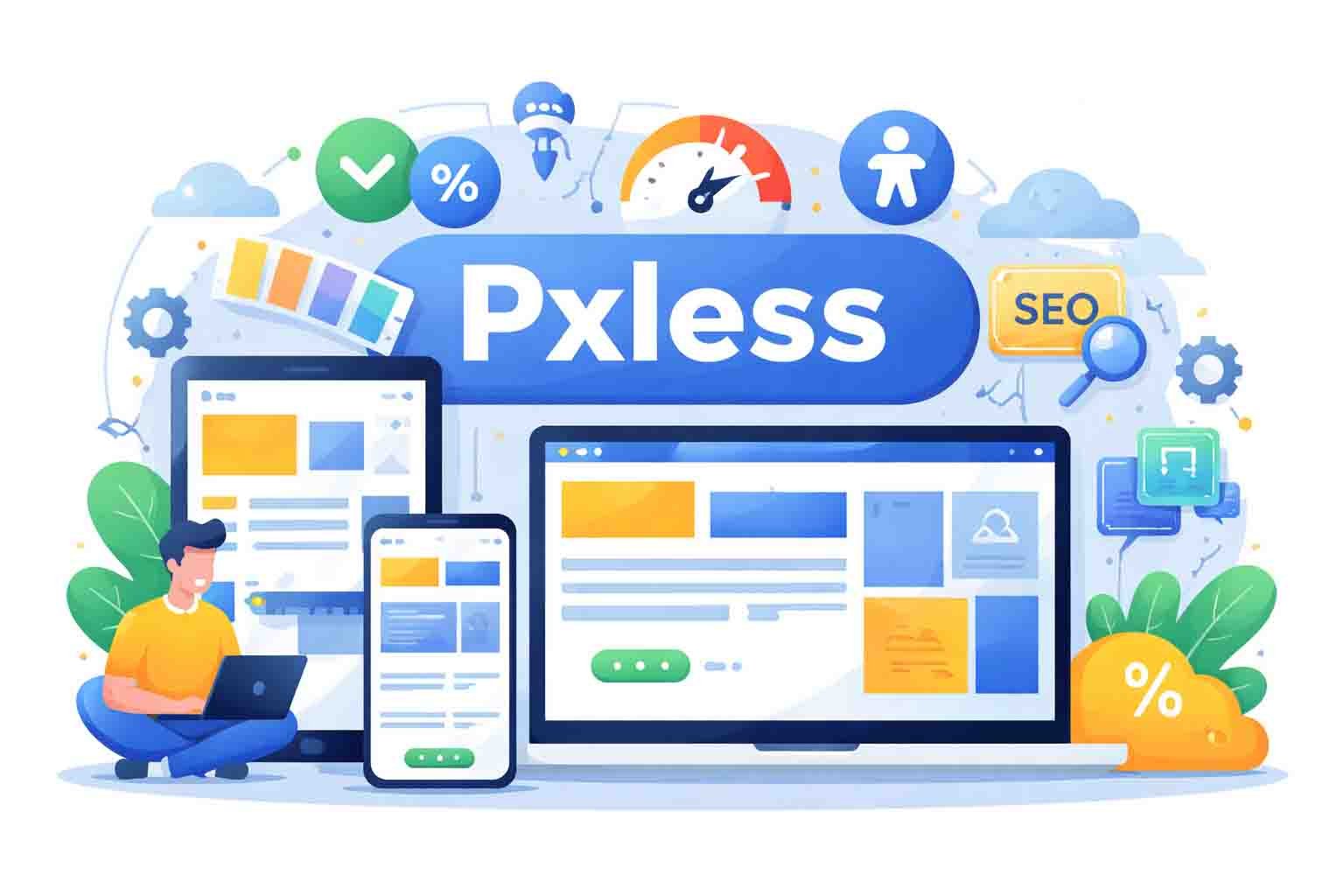
The internet in 2026 looks very different from how it looked years ago. Screens are everywhere. People use phones, tablets, laptops, smart TVs, foldable devices, and even smart glasses. Every screen has a different size. Because of this, design rules are changing fast.
In the past, websites were built using fixed pixel sizes. Designers would say things like “make this box 300px wide” or “set this text to 16px.” That worked when screens were limited. But today, fixed pixels often cause problems.
Have you ever opened a website on your phone and the text looked too small? Or maybe you zoomed in and the layout broke? That happens because of pixel-based design. It was built for control, not flexibility.
This is where pxless comes in. Pxless is a new and smart way to design websites. It focuses on flexibility instead of fixed numbers. In this article, we will clearly understand what pxless is, why pixels no longer work well, and how pxless design really works.
What Is Pxless
The word pxless comes from two parts. “Px” means pixel. “Less” means without. So pxless simply means designing with fewer fixed pixels, or without depending on them completely. It is a flexible way of building websites.
Pxless does not mean pixels disappear forever. It means we stop depending on fixed pixel numbers for everything. Instead of saying “this must be 200px,” we think in proportions and relationships. We design in a smarter and more flexible way.
Pxless uses relative units like percentages, rem, em, and viewport sizes. These units grow or shrink based on the screen. This means text, spacing, and layout adjust smoothly without breaking. Everything flows naturally.
Most importantly, pxless is a mindset. It tells designers to focus on people, not exact numbers. The goal is not to make a layout look exactly the same everywhere. The goal is to make it feel good and work well on every device.
Why Pixels No Longer Work Well
Years ago, designers worked with only a few screen sizes. Today, there are thousands. Phones come in many sizes. Laptops are wide. Tablets are tall. Some devices even fold. A fixed pixel layout cannot easily handle this variety.
When a design depends on fixed pixels, it often uses strict breakpoints like 768px or 1024px. At these points, the layout suddenly changes. Sometimes it feels smooth. But many times, it feels forced or awkward.
Pixels also create problems when users zoom in. Many people increase text size for better reading. If the design is pixel-based, the layout can break. Text may overlap. Buttons may move. This creates a bad experience.
In 2026, users expect smooth and flexible websites. They do not care about pixel perfection. They care about comfort and clarity. That is why pxless is growing. It solves these modern problems in a simple and smart way.
How Pxless Design Really Works
So how does pxless actually work in real life? It starts by replacing fixed pixel values with flexible units. Instead of setting width in pixels, designers use percentages. This allows sections to grow and shrink based on screen size.
For text, pxless uses units like rem and em. These units scale based on the base font size. If a user changes their font settings, the layout adjusts smoothly. The design stays clean and readable without breaking.
Pxless also uses modern tools like Flexbox and Grid. These tools help create flexible layouts. Items move and resize automatically based on available space. Instead of snapping at strict breakpoints, the layout flows naturally.
Another powerful tool in pxless is the clamp() function. It allows text to grow between a minimum and maximum size. This keeps text readable on small phones and balanced on large screens. Everything feels smooth and natural.
Pxless vs Pixel-Based Design
Pixel-based design focuses on exact numbers. It gives strong control over alignment and spacing. Designers know exactly how many pixels each element takes. This can feel safe and predictable.
But pxless focuses on flexibility. It cares about how elements relate to each other, not exact numbers. Instead of saying “this is 300px,” pxless says “this takes 50% of the space.” It is about balance, not strict control.
Pixel design often needs manual changes for each device. Pxless adapts automatically. This reduces maintenance work. It also makes the design more future-ready because it does not depend on fixed screen sizes.
In simple words, pixel-based design is rigid. Pxless design is flexible. In a world where screens keep changing, flexibility is becoming more important than strict precision.
How Pxless Improves User Experience
User experience is about comfort and ease. When a website adjusts smoothly to your screen, it feels natural. That is what pxless does. It makes layouts flow instead of forcing them into fixed boxes.
With pxless, text stays readable on small screens. Buttons remain easy to tap. Images resize properly. There is no awkward horizontal scrolling. Everything feels balanced and easy to use.
Pxless also supports users who zoom in. Many people increase text size for comfort. A pxless layout adjusts without breaking. This makes the website feel friendly and inclusive.
When users feel comfortable, they stay longer. They explore more. They trust the website more. That is why pxless is not just about design. It is about creating a better experience for real people.
Pxless and Website Speed
Speed is very important in 2026. People do not wait for slow websites anymore. If a page takes too long to load, users leave. Search engines also notice this. That is why speed matters so much.
Pxless helps with speed because it reduces heavy layout changes. When you use flexible units instead of fixed pixels, the browser handles resizing more smoothly. There are fewer sudden shifts. This means less work for the browser.
Pxless also helps reduce extra CSS rules. Pixel-based layouts often need many breakpoints and overrides. Pxless uses fluid rules instead. This keeps the code cleaner and lighter. Clean code loads faster.
When a website loads faster, users stay longer. They click more pages. They trust the site more. So pxless does not only improve design. It also improves performance and user satisfaction.
Pxless and SEO Benefits
1. Mobile Friendliness
Search engines in 2026 care deeply about mobile experience. Pxless design adjusts smoothly on all screen sizes. This improves mobile usability. A mobile-friendly site is more likely to rank better in search results.
2. Lower Bounce Rate
When a layout feels smooth and easy, users stay longer. They do not leave quickly because of broken layouts. Pxless reduces frustration. A lower bounce rate sends positive signals to search engines.
3. Better Readability
Clear and scalable text makes content easier to read. Pxless uses fluid typography that adjusts naturally. When readers can easily understand content, they spend more time on the page. This improves engagement signals.
4. Improved Engagement Time
If users enjoy the layout and navigation, they explore more. Pxless makes browsing comfortable on every device. More time on site means stronger SEO performance.
5. Fewer Technical Errors
Pixel-based designs can break at different zoom levels or screen sizes. Pxless reduces these layout problems. Fewer errors mean better indexing and crawling by search engines.
6. Future-Proof Structure
Pxless prepares websites for new devices. When new screen sizes appear, the layout adapts automatically. This prevents ranking drops caused by outdated design systems.
Pxless and Accessibility
Accessibility means making websites usable for everyone. Some users increase font size. Some zoom in for better reading. Pixel-based layouts often break in these situations. Pxless handles this smoothly.
Because pxless uses flexible units, text grows naturally. Buttons and containers adjust without overlapping. This keeps the layout clean even when users change settings. That makes the experience more comfortable.
In 2026, accessibility is not optional. It is expected. Search engines also value accessible websites. Pxless supports inclusive design without extra effort. It respects user preferences automatically.
When people feel included, they trust the website more. Trust leads to more engagement and better results. So pxless supports both people and performance at the same time.
Tools That Make Pxless Easy
Modern tools make pxless easier than ever. CSS Flexbox helps arrange items in a flexible row or column. Elements adjust automatically based on available space. This removes the need for many fixed values.
CSS Grid helps create flexible layouts in two directions. You can build rows and columns that resize smoothly. Grid works perfectly with relative units and percentages.
The clamp() function helps control font size in a smart way. It sets a minimum, a flexible middle value, and a maximum. This keeps text readable on both small and large screens.
Design tools like Figma also support pxless ideas. Auto-layout allows components to resize naturally. Developer tools in browsers help test different devices easily. These tools make pxless practical and simple to apply.
How to Start Using Pxless Today
Starting with pxless does not mean rebuilding everything from zero. First, check your current website. Look for fixed pixel values in font sizes, spacing, and container widths. This simple audit shows where changes are needed.
Next, replace pixel values with relative units. Use rem or em for text. Use percentages for layout width. Try clamp() for flexible typography. These small steps already move you toward pxless design.
Build your design system using tokens instead of hard numbers. Tokens define spacing and sizes in flexible terms. This keeps your system clean and scalable. It also helps teams stay consistent.
Finally, test your website on different devices. Use browser tools to simulate phones and tablets. Check zoom levels. See how everything behaves. With practice, pxless thinking becomes natural and easy.
Challenges of Going Pxless
The biggest challenge is mindset. Many designers are trained to love pixel-perfect layouts. Letting go of strict control can feel uncomfortable at first. But flexibility brings long-term benefits.
Some stakeholders still ask for exact layouts. They want everything to look identical everywhere. It helps to explain that modern devices are different. The goal is not identical looks. The goal is smooth experience.
There is also a learning curve. Teams must understand relative units and fluid thinking. Clear documentation helps. A shared style guide makes teamwork easier.
Testing is important too. Flexible layouts may look slightly different across devices. But if proportions stay balanced, the design still feels strong. Over time, pxless becomes easier and more natural.
Why Pxless Is the Future of the Web
The web keeps evolving. Foldable phones are common in 2026. Smart glasses and AR devices are growing. New screen sizes will continue to appear. Fixed pixels cannot keep up with this speed.
Pxless design is device-agnostic. It does not depend on specific screen widths. It adapts automatically. This makes it future-ready. Businesses save time and money in the long run.
AI-powered tools are also becoming smarter. Many layout systems now adjust spacing automatically. Pxless fits perfectly with this direction. Flexible systems work better with automation.
In a world that keeps changing, adaptability wins. Pxless supports scalability, performance, accessibility, and SEO. That is why it is not just a trend. It is the next step in modern web design.
Pros and Cons of Pixels
Pros
- Exact control over spacing
- Predictable layout on fixed screens
- Easy for beginners to understand
- Works well in limited device environments
- Precise alignment for static designs
Cons
- Hard to scale across many screen sizes
- Requires many breakpoints
- Can break when users zoom
- Higher maintenance over time
- Not flexible for future devices
- Less adaptive compared to pxless
Final Thoughts
Pixels built the early web. They helped designers create structured layouts. But the web has changed. Screens are different now. Users expect flexibility and comfort everywhere.
Pxless brings a new way of thinking. It focuses on people instead of fixed numbers. It improves speed, SEO, accessibility, and user experience in a natural way.
Moving toward pxless in 2026 is not risky. It is smart. It prepares websites for the future. It reduces maintenance and improves performance at the same time.
FAQs
Is pxless better than pixel-based design?
Pxless is better for modern websites because screens come in many sizes. Pixel-based design can break on different devices. Pxless adjusts smoothly, which improves user experience and flexibility.
Does pxless improve website speed?
Yes, pxless can help improve speed. Flexible layouts often require fewer layout changes and fewer CSS overrides. This can make websites load faster and run more smoothly.
Can pxless improve SEO rankings?
Pxless can support better SEO. It improves mobile friendliness, readability, and user experience. When users stay longer and interact more, search engines see positive signals.
Is pxless hard to implement?
Pxless is not hard, but it requires a mindset shift. Designers need to think in proportions instead of fixed numbers. With modern tools like Flexbox and Grid, it becomes much easier.
What units are used in pxless design?
Pxless uses flexible units like percentages (%), rem, em, vw, and vh. These units change based on screen size or base font size, which keeps layouts responsive and smooth.
Discover more:
How to Hire Data Scraping Experts Instantly: The 2026 Business Growth Blueprint
Pbmethd com Review: Safe Website or Hidden Risk?
Can IP2 Network Really Protect Your Privacy? Here’s the Truth