
A few years ago, making professional videos felt complicated. That changed fast. Today I can create product ads, social clips, short films, and marketing videos with AI in a fraction of the time. I no longer start by thinking about cameras. I start with an idea.
That’s why more creators, marketers, and businesses are moving toward AI video generation in 2026.
In this guide, I’ll walk through how beginners can create professional-looking videos with AI, what tools actually matter, and what mistakes I see people make early on.
What AI Video Creation Means in 2026
AI video creation is much more than typing text into a generator and hoping something good appears.
Modern AI workflows combine different tools and methods into a more complete process.
Most systems today can:
- Generate videos from prompts
- Animate images
- Create multiple visual variations
- Produce marketing videos quickly
- Turn reference visuals into moving scenes
- Speed up repetitive creative work
The biggest change is that AI no longer feels like a single tool. It feels more like a creative partner. Instead of handling each production step separately, creators can now move through ideation, visual generation, and video creation much faster.
This changes the entire production process.
Instead of spending days filming and editing, creators can move from idea to finished content much faster.
That does not mean AI replaces creativity.
It simply removes many of the technical barriers.
How AI Video Generation Are Different From Traditional Editing
Traditional production usually follows a long process:
- Plan ideas
- Prepare equipment
- Record footage
- Edit manually
- Revise drafts
- Export final versions
That still works.
But AI changes the speed dramatically.
Instead of capturing every idea with cameras and production setups, I can generate visuals directly and test multiple directions much faster. If I’m exploring product marketing concepts, I can create several visual styles in one afternoon instead of organizing multiple shoots.
That flexibility matters, especially when content moves quickly.
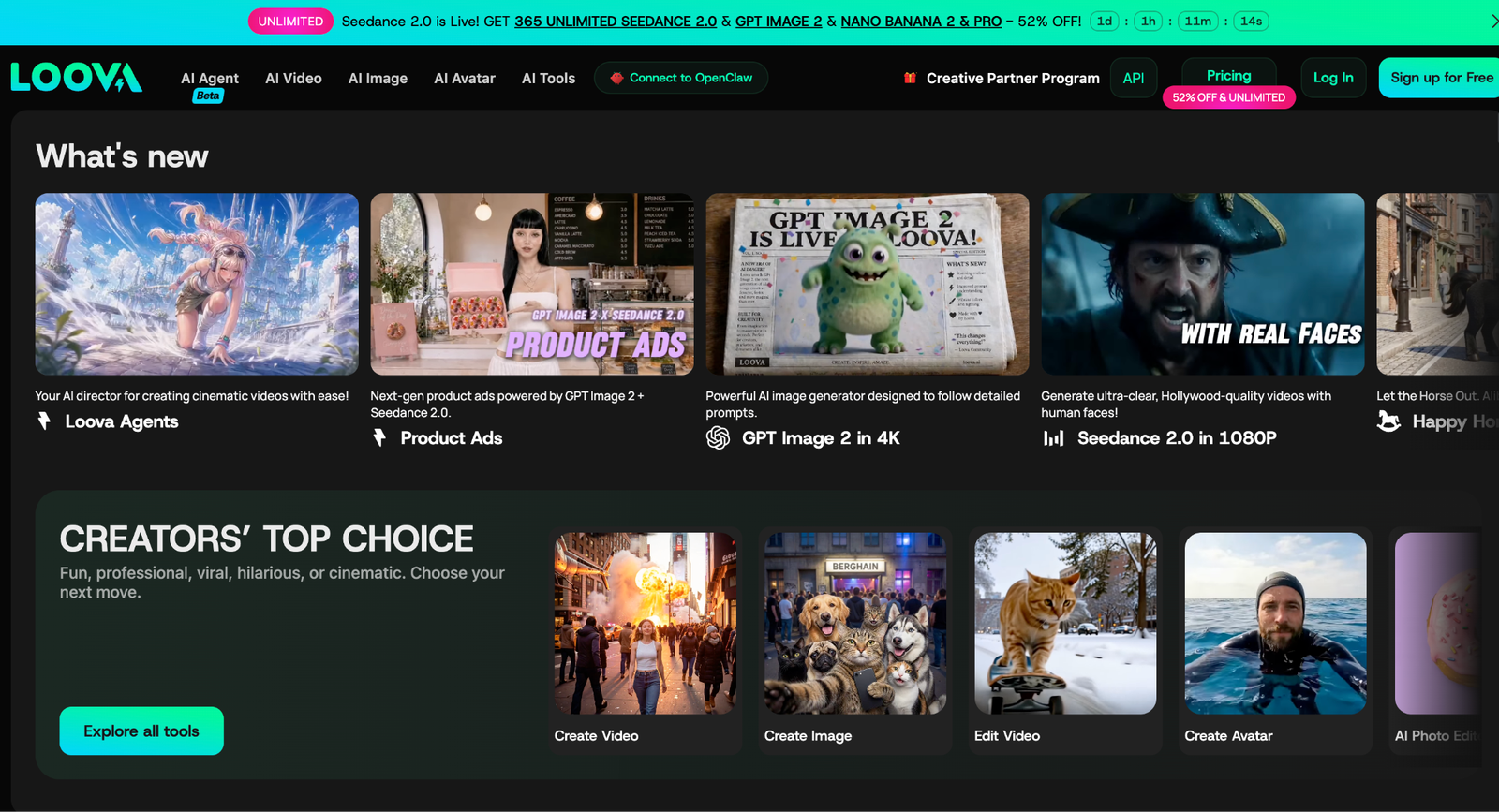
Platforms like Loova AI are also helping simplify this process by bringing multiple creations into one place, reducing the need to constantly switch between different tools.
Why Beginners Are Adopting AI Faster Than Ever
I think AI video is growing quickly among beginners for three simple reasons: speed, lower cost, and fewer technical barriers.
Many people used to get stuck on editing software, camera setups, or motion design before they could even start creating. AI removes much of that complexity and shifts the process toward creative thinking instead of technical work.
The question is no longer:
“How do I shoot this video?”
Now it becomes:
“How do I want this video to look?”
That shift makes content creation feel much more accessible, especially for people with ideas but limited production experience.
The Main Types of AI Video Creation Tools
Not every AI generation process works the same way.
Understanding the different methods makes video creation much easier.
Text to Video
This is usually where beginners start.
You describe a scene like:
“A person walking through a futuristic city at night.”
The AI turns that idea into video.
Text-to-video works especially well for concept testing, storytelling, quick visual ideas, and marketing content. I’ve found that simpler prompts usually create stronger results because they give the system a clearer direction.
Image to Video
This starts with an image and turns that image into motion.
This is where an Image to Image AI Tool becomes useful. I often create visuals first and then use them as references for animation. That gives me more control over composition, visual style, and consistency.
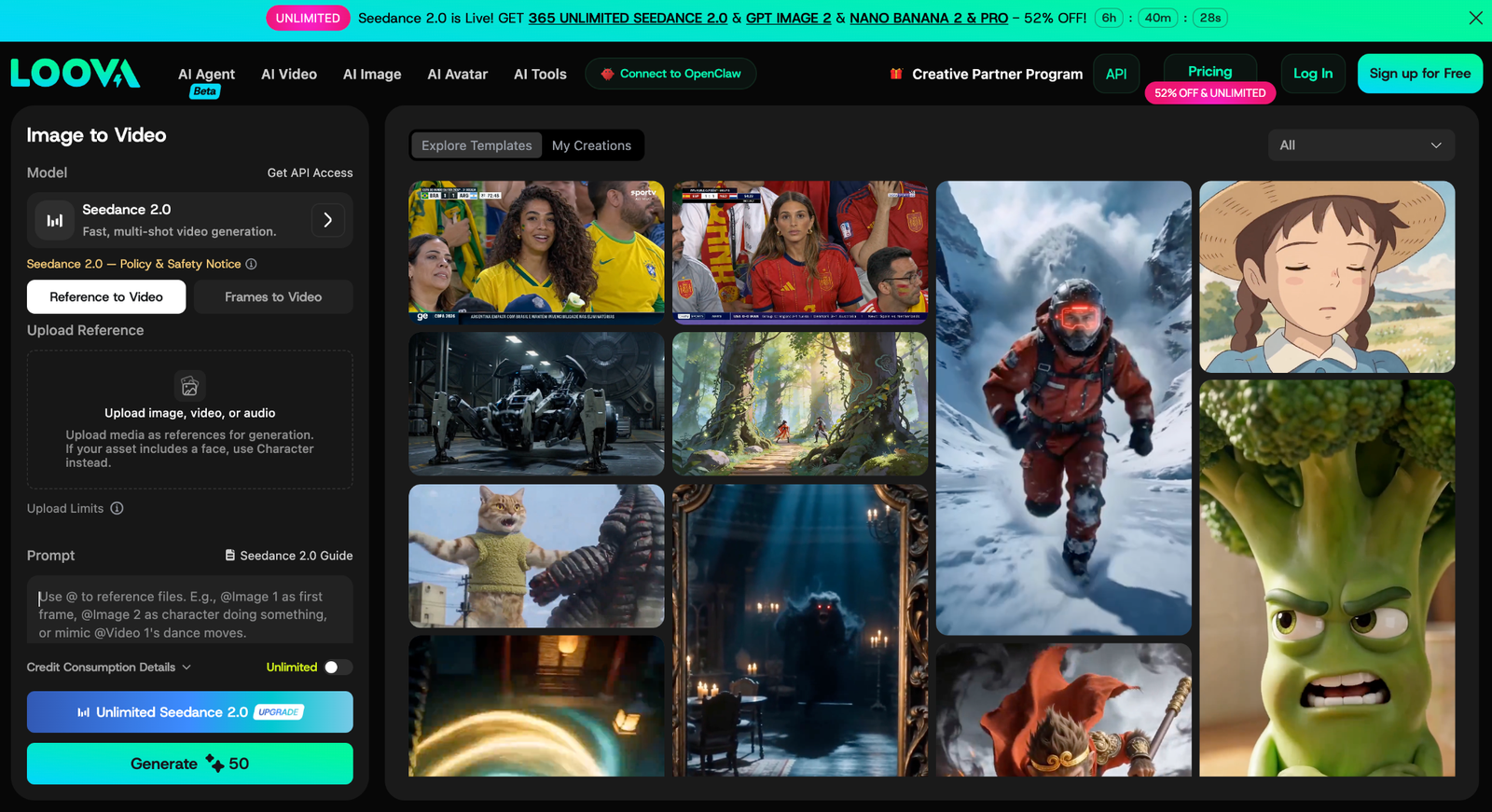
This approach is especially useful when I need:
- stronger visual consistency
- specific compositions
- repeatable character styles
- more controlled creative direction
For beginners, image-to-video often feels easier because the visual starting point already exists.
Reference-Based Video Creation
Some platforms also allow uploaded references.
Instead of generating random outputs every time, AI follows an existing visual direction more closely. I find this especially useful for product videos, social campaigns, or projects where style consistency matters across multiple scenes.
My Beginner AI Video Generation Process
This is the process I personally recommend.
Simple workflows usually perform better than complicated ones.
Step 1: Start With a Small Idea
I usually avoid starting with a huge script or a fully detailed storyline. Large ideas often confuse AI models and lead to inconsistent results. Instead, I begin with a very simple concept and focus on the core visual first.
Before generating anything, I ask myself a few basic questions:
- What do I want people to see?
- What is the main idea of the scene?
- What feeling should the video create?
Simple concepts often work better because they give the AI a clearer direction. A clean visual idea is usually enough to build strong short-form content.
For example:
- “A skincare product floating inside a clean studio”
- “A traveler walking through rainy city streets”
- “A short motivational social clip”
These ideas may sound minimal, but they already contain a visual direction, a mood, and a subject. That is enough to begin creating.
Step 2: Turn the Idea Into a Clear Prompt
Once I have a simple idea, I expand it into a more descriptive prompt. The goal is to help the AI understand the environment, lighting, camera style, mood, and motion as clearly as possible.
For example, instead of writing:
“A traveler walking through rainy city streets”
I would turn it into something more detailed like:
“A cinematic young traveler walking slowly through rainy neon-lit city streets at night, reflections on wet pavement, soft fog, moody lighting, realistic movement, handheld camera style, shallow depth of field, atmospheric urban environment”
The difference is huge. The second version gives the AI much more visual information to work with. It explains the atmosphere, camera style, lighting, and overall feeling of the scene.
When writing prompts, I usually focus on:
- Subject
- Environment
- Lighting
- Camera movement
- Mood
- Visual style
You do not need extremely long prompts, but adding clear visual details often improves the final result significantly.
Step 3: Generate Visuals With AI
After the prompt is ready, I move into generation. There are usually two common ways to create AI videos.
The first method is using text to image generation. I generate several strong images first, choose the best one, and then use those images as references for image to video generation. This gives more control over composition and visual consistency.
The second method is generating videos directly from text prompts using text to video AI. This approach is faster and works well for experimentation, quick social content, or testing creative ideas rapidly.
I normally test both approaches because each has advantages. Image-first generation often creates more stable visuals, while direct video generation is faster for trying multiple concepts quickly.
Step 4: Stitch Video Clips Together
Once the clips are generated, I combine them into a short sequence. Even simple AI clips can look much more polished when edited together properly.
I usually trim unnecessary frames, adjust pacing, add transitions, and include music or sound effects to improve the final result. For TikTok and YouTube Shorts, pacing matters a lot. Fast cuts and strong opening visuals usually perform better for audience retention.
At this stage, the goal is not perfect filmmaking. The goal is creating a clean, engaging short-form video that feels visually consistent and easy to watch. Even short AI-generated clips can look surprisingly professional once they are edited together carefully.
What Makes AI Videos Look Professional
Generating scenes alone does not automatically create strong videos. A few details matter much more.
Better Prompts Usually Create Better Results
Simple usually beats complicated.
Instead of: “A cool city”, I might write:
“A cinematic wide shot of a futuristic city at night with neon reflections and light rain.”
Specific details help improve outputs, but adding too much information can also create confusion.
I usually focus on:
- camera feel
- environment
- lighting
- mood
Visual Consistency Matters
One of the most common beginner mistakes is creating scenes that all look different.
Different colors, styles, and moods can make a video feel disconnected. I try to keep lighting, composition, and visual style relatively consistent throughout a project.
Small consistency improvements often make a much bigger difference than people expect.
Editing Still Matters
AI helps create content, but editing creates flow.
I usually focus on pacing, transitions, timing, and subtitles because good editing often makes average visuals feel much stronger.
Common Beginner Mistakes
After creating a lot of AI content, I started noticing a few patterns.
The first mistake is writing extremely long prompts. Many people assume more words automatically create better results, but the opposite often happens. Simple instructions usually give AI a clearer direction.
Another mistake is expecting perfect results immediately. AI creation is highly iterative. Good videos usually come from testing, adjusting, and generating multiple versions rather than expecting the first result to be perfect.
I also see people creating one giant scene instead of thinking in shots. Breaking videos into wide shots, medium shots, and close-ups creates much better pacing and visual flow.
And finally, subtitles are often ignored. A huge number of people watch content without sound, especially on social platforms. Subtitles improve retention much more than many creators realize.
Best Use Cases for AI Video Creation
AI video is not replacing everything, but some areas benefit much more than others.
Social Media Content
Short-form platforms reward speed and consistency. Creators constantly need Shorts, TikToks, and Reels, and AI helps maintain that output much faster.
Product Marketing
Product videos fit AI content creation especially well.
Brands can create product showcases, feature demonstrations, and stylized ads without organizing expensive production shoots.
This is also where integrated production processes become useful. Platforms like Loova AI help creators move between visual generation and video creation without constantly switching tools.
Ecommerce Campaigns
Ecommerce brands often need large amounts of content across multiple formats and campaigns.
AI makes creating variations much easier and more scalable.
Storytelling and Short Films
AI is becoming surprisingly useful for visual storytelling as well.
Many creators now experiment with cinematic clips, short stories, and visual concepts without needing large budgets or production teams.
Where AI Video Is Going Next
AI generation tools are moving fast, but the biggest change is not the technology itself.
It is how people work.
I see three major trends happening: more integrated creative systems, faster content production, and creators relying on AI as part of their everyday workflow.
People are no longer thinking in isolated tools. They are thinking in systems that help them move from idea to content faster.
Generate.
Adjust.
Publish.
Repeat.
That cycle keeps becoming faster, and I think that shift will shape the next generation of content creation.
Final Thoughts
Creating professional videos with AI no longer feels difficult.
The hardest part is not technology. It is learning a workflow.
Once I understood how prompts, visuals, pacing, and iteration worked together, the process became much easier.
You do not need expensive equipment and large teams. You only need a simple idea and a system that helps turn that idea into content.
The creators moving fastest in 2026 are not necessarily the most technical.
They are the ones experimenting consistently.
FAQs
What is the easiest AI video generator for beginners?
Beginner-friendly tools usually focus on simple workflows and clear interfaces. Many creators start with platforms that support text-to-video and image-to-video tools.
Can beginners create professional AI videos?
Yes. Modern AI tools reduce many technical barriers. Strong prompts, editing, and visual consistency often matter more than experience.
Do I need editing skills to use AI video tools?
Not necessarily. Many AI platforms simplify editing. Basic pacing and structure still help.
What is the difference between text-to-video and image-to-video?
Text-to-video creates scenes from written descriptions. Image-to-video starts with existing visuals and adds movement.
How long does AI video generation usually take?
Most generations take seconds or minutes depending on the complexity and workflow.
Can AI videos be used for marketing?
Yes. AI video works especially well for social content, ecommerce ads, product showcases, and campaign testing.
What is the biggest mistake beginners make?
Trying to create everything at once. Small scenes and simple prompts usually create better results.
Can AI replace traditional video production completely?
Not completely. AI speeds up production dramatically, but storytelling and creative direction still matter.

