
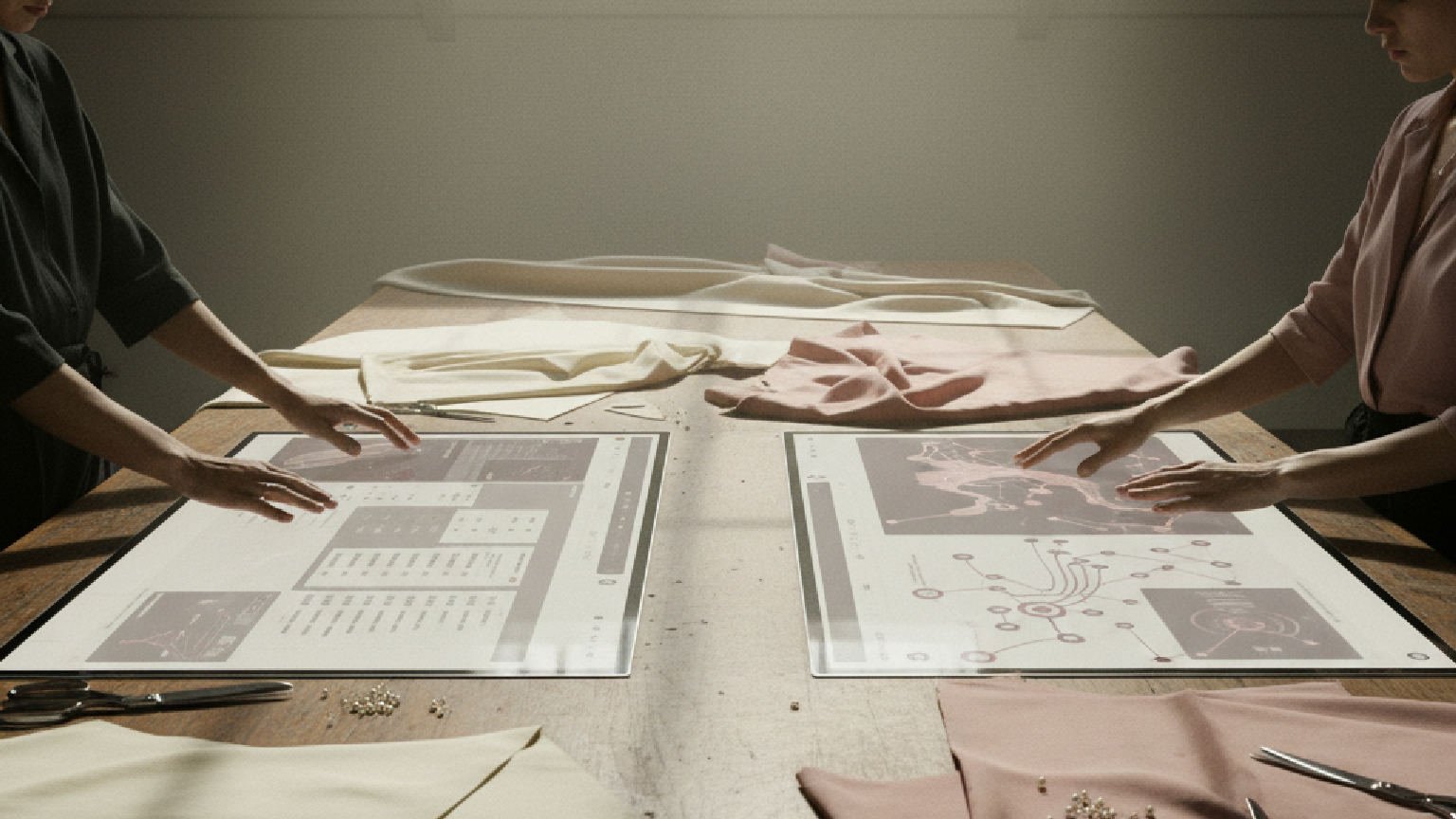
AI image generation has made concept creation faster, but it has also made visual consistency harder to judge. A team can generate dozens of images in an afternoon, yet still struggle to answer a simple question: do these visuals feel like the same brand?
That is where Krea 2 becomes relevant: it represents a style-control approach to AI image generation, where prompts, reference images, aspect ratios, and review decisions work together. In practical terms, it helps creative teams treat image generation as an art direction process rather than a random output hunt.
The distinction matters because most brand visuals are not judged one image at a time. They are judged as a system. A campaign hero image, a social post, a product teaser, and a landing page visual may all need different compositions, but they still need to share a recognizable visual language.
Prompt-only workflows often make that difficult. A prompt can describe a subject and a mood, but it may not capture the small details that create brand memory: grain, lighting, color temperature, material texture, framing habits, illustration density, or the level of polish. These are visual decisions, not just words.
Why Style Control Matters In AI Image Generation
Many AI image tools are strong at interpreting what should appear in an image. They can place a person in a studio, create a futuristic device, or generate a product scene from a short instruction. The harder part is controlling how the image should feel.
For brand teams, that “how” is often the most important layer. A minimalist wellness brand, a gaming startup, a design studio, and a documentary newsletter can all ask for “a person using a laptop at night.” The useful output depends on the visual treatment, not just the subject.
This is why style control has become a practical problem rather than a cosmetic one. When every generated image looks polished in the same generic way, campaigns start to lose identity. When every variation drifts too far, reviewers spend more time explaining what went wrong than choosing what to improve.
A better workflow gives reviewers something more specific to discuss. Instead of saying “make it more premium” or “less AI-looking,” they can compare references, adjust the strength of a direction, and decide whether a concept should stay close to the source style or explore a wider range.
The Four Layers Of A Brand-Consistent Image Workflow
AI brand concept work becomes easier to review when the process is separated into four layers: subject, style, format, and acceptance criteria.
The subject layer answers what the image is about. It may be a founder portrait, an app interface, a product mockup, a fashion scene, or a conceptual object. This layer should be clear, but it should not carry the entire creative direction by itself.
The style layer answers how the image should feel. This may include film grain, studio lighting, editorial realism, risograph texture, soft 3D, hand-drawn imperfection, or a specific color world. Reference images are useful here because they communicate taste faster than a paragraph of adjectives.
The format layer answers where the image will live. A 16:9 editorial header, a 4:5 social post, a square thumbnail, and a vertical story image create different composition pressures. If the format is ignored until the end, a good image may still fail in the channel where it is supposed to work.
The acceptance layer answers what “good enough” means. A mood board image can be rough. A paid ad concept needs stronger brand fit. A final hero asset may need manual retouching, layout work, accessibility checks, and legal review. Without this layer, teams often judge early concept images as if they were final deliverables.
How The Style Control Workflow Works In Practice
Before comparing this workflow with prompt-only image generation, it helps to see how a team can move from brand direction to reviewable visuals.
Step 1: Define The Visual Role
Start by deciding what the image needs to do. Is it meant to explain a product, set a mood, test a campaign direction, or create a thumbnail that attracts attention? The answer changes the review standard.
For example, a campaign concept image can tolerate more ambiguity than a product explainer. A social post can be more expressive than a pricing-page visual. The clearer the role, the easier it is to decide whether a generated image is useful.
Step 2: Build A Small Style Reference Set
Collect three to six references that show the desired direction. These do not need to be perfect examples. They may include color references, texture examples, photography styles, illustration samples, or previous brand assets.
The goal is not to copy a reference. The goal is to make the visual language concrete. A good reference set should help the team answer questions such as: should the image feel raw or polished, cinematic or editorial, flat or dimensional, playful or restrained?
Step 3: Generate Variations With Clear Constraints
Use a concise prompt for the subject and a separate style direction for the look. Keep the first batch narrow enough to compare, but not so narrow that every option looks identical.
At this stage, reviewers should avoid rewriting the prompt after every single output. It is better to generate a small set, compare the results, and identify which layer is failing. If the subject is wrong, fix the subject prompt. If the mood is wrong, adjust the style direction. If the crop is wrong, change the format.
Step 4: Review By Brand Fit, Not Novelty
The most striking image is not always the best brand image. Review each option against the brand’s intended tone, audience, and channel. A beautiful image can still be wrong if it implies the wrong category, customer, price point, or emotional promise.
One useful review question is: would this image still make sense beside three other assets from the same campaign? If the answer is no, the image may be a good standalone experiment but a poor brand asset.
Step 5: Decide What Needs Human Finishing
AI-generated visuals often work well for direction, mood boards, first drafts, and rapid concept exploration. Final production may still need manual composition, typography, retouching, compliance review, or art direction.
This step protects the workflow from two bad outcomes: accepting a flawed image too early, or rejecting a useful concept because it is not production-ready yet.
Where This Workflow Helps Most
Style-controlled image generation is most useful when teams need a shared direction before investing in final production. It is especially helpful in the messy middle between “we have an idea” and “we know what the campaign should look like.”
Brand Campaign Exploration
Marketing teams can use style references to test whether a campaign should feel editorial, cinematic, playful, premium, retro, or experimental. The benefit is speed: stakeholders can react to visual options instead of debating abstract adjectives.
The caution is consistency. A campaign should not become a collection of unrelated beautiful images. The team still needs a visual rule set: color range, contrast level, subject treatment, and composition patterns.
Product And Landing Page Concepts
Product teams often need visuals before the final interface, packaging, or hero asset exists. A style-control workflow can help them explore product atmosphere, use-case scenes, and hero image directions without waiting for a full production shoot.
The caution is accuracy. Concept visuals should not imply features, hardware details, or user outcomes that the product cannot support. Reviewers should separate mood exploration from factual product claims.
Editorial And Social Content
Writers, newsletters, and social teams often need visuals that support an article angle or recurring content series. References can help maintain a recognizable visual identity across posts, even when topics vary.
The caution is fatigue. If every image uses the same look too literally, the series can become predictable. A strong workflow allows controlled variation inside a recognizable system.
AI Style Control vs Prompt-Only Generation: Key Differences
The table below compares style-controlled workflows with prompt-only generation and traditional manual production across practical creative criteria.
| Criteria | Krea 2 Style-Control Workflow | Prompt-Only Generation | Manual Creative Production |
| Starting Point | Prompt plus references | Written instruction | Brief and blank canvas |
| Main Skill | Visual judgment | Prompt wording | Professional craft |
| Style Consistency | Easier to guide | Harder to repeat | Strongest when planned |
| Speed | Fast concept rounds | Fast but variable | Slower first draft |
| Creative Range | Broad and adjustable | Depends on language | High with resources |
| Best Use Case | Brand concept exploration | Simple image requests | Final campaign assets |
| Main Limitation | Needs human review | Style is easy to misdescribe | Higher time and cost |
Common Mistakes To Avoid
The first mistake is using too many references at once. A crowded reference set can create confusing outputs because the system has to interpret competing signals. Start with fewer, clearer references and expand only when the direction is stable.
The second mistake is confusing style with content. A reference image may be useful because of its lighting or texture, not because of its subject. Reviewers should name what each reference is supposed to contribute.
The third mistake is treating early outputs as final assets. AI concept images can speed up decision-making, but they still need brand review. Teams should check for inaccurate product details, awkward text, strange hands or objects, unintended cultural cues, and licensing considerations.
The fourth mistake is chasing novelty. Newness can be useful during exploration, but brand systems need memory. If each image feels unrelated to the last one, the campaign may look less like a strategy and more like a folder of experiments.
A Practical Review Checklist
Before approving an AI-generated brand concept, a team can use a simple checklist:
- Does the image match the intended audience and brand tone?
- Is the subject clear enough for the channel where it will appear?
- Does the style match the campaign direction rather than just looking attractive?
- Would the image still work beside other assets in the same series?
- Are there any factual, legal, cultural, or accessibility concerns?
- Does the image need manual finishing before publication?
This checklist keeps the conversation grounded. It also helps non-design stakeholders give more useful feedback, because they can respond to specific criteria instead of vague preference.
The Bottom Line
AI image generation is no longer just about turning text into pictures. For brand and creative teams, the real value is the ability to explore visual direction quickly while keeping enough control to make review meaningful.
Style-control workflows are useful because they make taste more discussable. They do not remove the need for designers, art directors, marketers, or human judgment. Instead, they give teams a faster way to test whether a visual direction is worth developing before investing in final production.
The most practical approach is not to ask AI for a perfect finished asset on the first try. It is to build a review loop: define the role, use references carefully, generate controlled variations, evaluate brand fit, and decide what needs human finishing. That is where AI image tools become less like novelty generators and more like useful creative infrastructure.

