
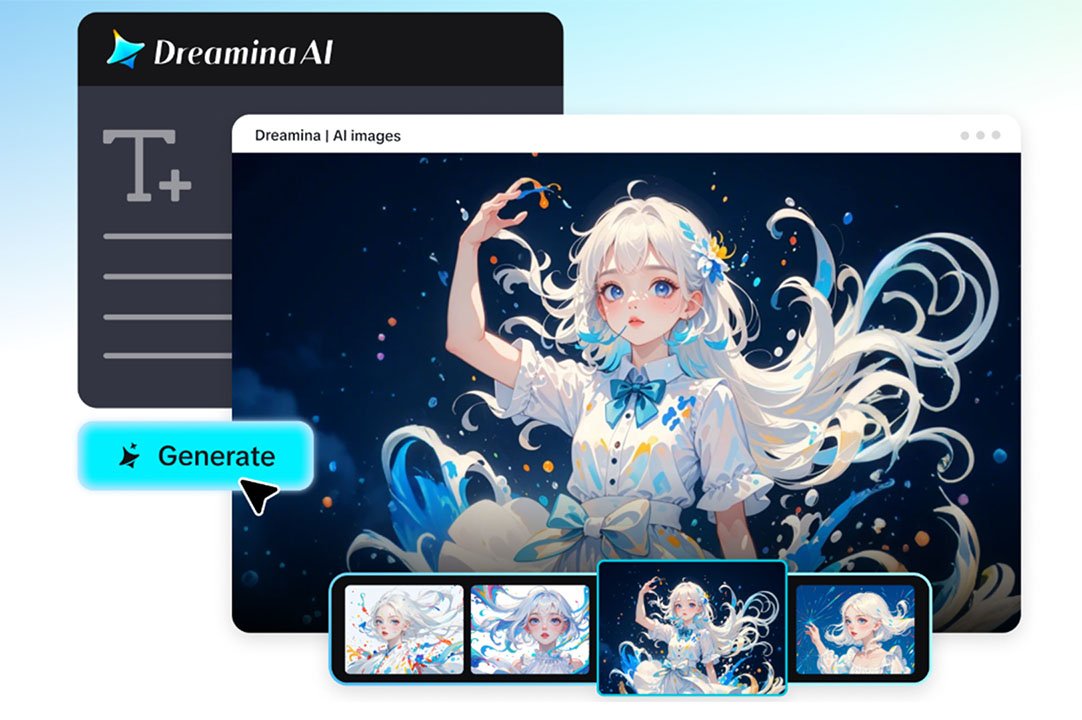
Watch enough early AI-generated video and a pattern becomes impossible to ignore: a character who looks like one person in the opening shot and someone slightly different by the time the scene changes.
A jawline shifts, an outfit changes color, a face becomes just a little too smooth or symmetrical to be the same person from a moment ago. It’s a small thing, but it’s often the exact detail that pulls a viewer out of the story and reminds them they’re watching something artificial.
Keeping a character looking like themselves from one scene to the next has always been one of the hardest problems in AI video generation, and it’s one that Dreamina’s Seedance 2.5 model was built specifically to solve.
Why characters used to drift between scenes
Generating a single, striking frame has never been the hard part of AI video — plenty of tools can do that convincingly. The real difficulty starts the moment a character needs to exist across multiple frames, multiple angles, or multiple scenes strung together. Every additional frame is another opportunity for small details to shift, and over the course of a full video, those small shifts tend to compound.
This is what’s often described as a cumulative error — a gradual drift that isn’t obvious frame-to-frame but becomes very obvious by the end of a sequence. A character might start a video with one hairstyle and end it with something subtly different, not because anyone intended a change, but because the model had no strong enough anchor to hold the detail steady the whole way through.
How Seedance 2.5 keeps a character locked in
Seedance 2.5 addresses this at a structural level rather than trying to fix it after the fact. The model directly targets the cumulative errors responsible for character drift, which means consistency holds up not just within a single shot but across an entire sequence — through turns, movement, and interaction with other people or objects in the scene.
Reference-driven generation gives the model something solid to hold onto
Uploading a photo gives Seedance 2.5 a concrete anchor for how a character should look throughout a video, rather than relying purely on a text description that can be interpreted differently frame by frame. Green screen reference support pushes this further, letting creators supply real reference footage for tricky physical interactions — like precise contact between two characters — so the model has something exact to match rather than something to guess at.
Multi-person scenes no longer confuse the model as easily
A recurring issue in earlier AI video was the “twin” problem, where a single character would sometimes get duplicated into near-identical copies within the same frame, along with unreliable face-swapping when multiple people appeared together. Both issues have been significantly reduced, which matters enormously for any scene involving more than one person — a conversation, a shared moment, a group shot.
Longer, cleaner clips mean fewer chances for drift
Single-clip generation has doubled from 15 to 30 seconds, which means more of a scene can play out in one continuous take instead of being stitched together from shorter fragments. Fewer stitches means fewer opportunities for a character to visibly shift between them. And when a clip does need to extend further, Seedance 2.5 now supports two full rounds of extension without the noticeable drop in likeness that used to make stretching a clip risky.
Put together, a character introduced in the first second of a video can still look like themselves in the last — whether that video is 15 seconds long or considerably more.
Bring your character to life, step by step
Step 1: Cast your character and set the scene
Visit Dreamina, sign in, and head to the “AI Video” section. If your video is built around a specific person, click “Add reference image” and upload a clear photo to anchor the generation. For a pure text-to-video creation, skip the upload and describe your character directly in the prompt instead.
A detailed prompt for a 30-second sequence might read: A woman with shoulder-length dark hair and a green jacket walks through a busy farmers market, pausing to examine fruit at a stall, smiling as she greets a vendor, then continues walking as the camera follows from a slight side angle, natural daylight, warm autumn tones, steady handheld camera movement, cheerful and relaxed mood throughout.
Step 2: Hand the scene over to Seedance 2.5
With your prompt and reference ready, select the Seedance 2.5 model for generation. Choose your video length, then pick an aspect ratio that matches where it’s headed — 16:9 for YouTube, or 9:16 for TikTok. Click Dreamina’s generation icon and let the model turn your character and scene into consistent, moving footage.
Step 3: Give it a final look and send it out
Before saving, run the video through Dreamina’s AI editing tools for a last pass. Upscale sharpens the resolution for a cleaner finish, while Generate Soundtrack adds audio that fits the mood of the scene. Once everything looks right, export the video and share it wherever your audience is waiting.
A few habits that help consistency along
A little specificity in a prompt goes a long way toward keeping a character recognizable throughout a video. A few small additions tend to make a noticeable difference:
- Naming a distinct hairstyle, outfit, or accessory rather than a vague description
- Keeping a consistent color palette in mind for clothing or setting
- Uploading one clear, well-lit reference photo rather than several conflicting ones
None of this requires any technical background — it’s closer to giving clear direction to a collaborator than operating complicated software.
Conclusion
Character consistency has always been the quiet detail that separates a convincing video from one that feels obviously artificial. With Dreamina and its Seedance 2.5 model, that detail is no longer left to chance.
A character introduced at the start of a video can carry all the way through to the end, letting creators focus on telling a story rather than worrying about whether their subject will still look like themselves by the final scene.